Profit per item and day
See the profit behind every sale.
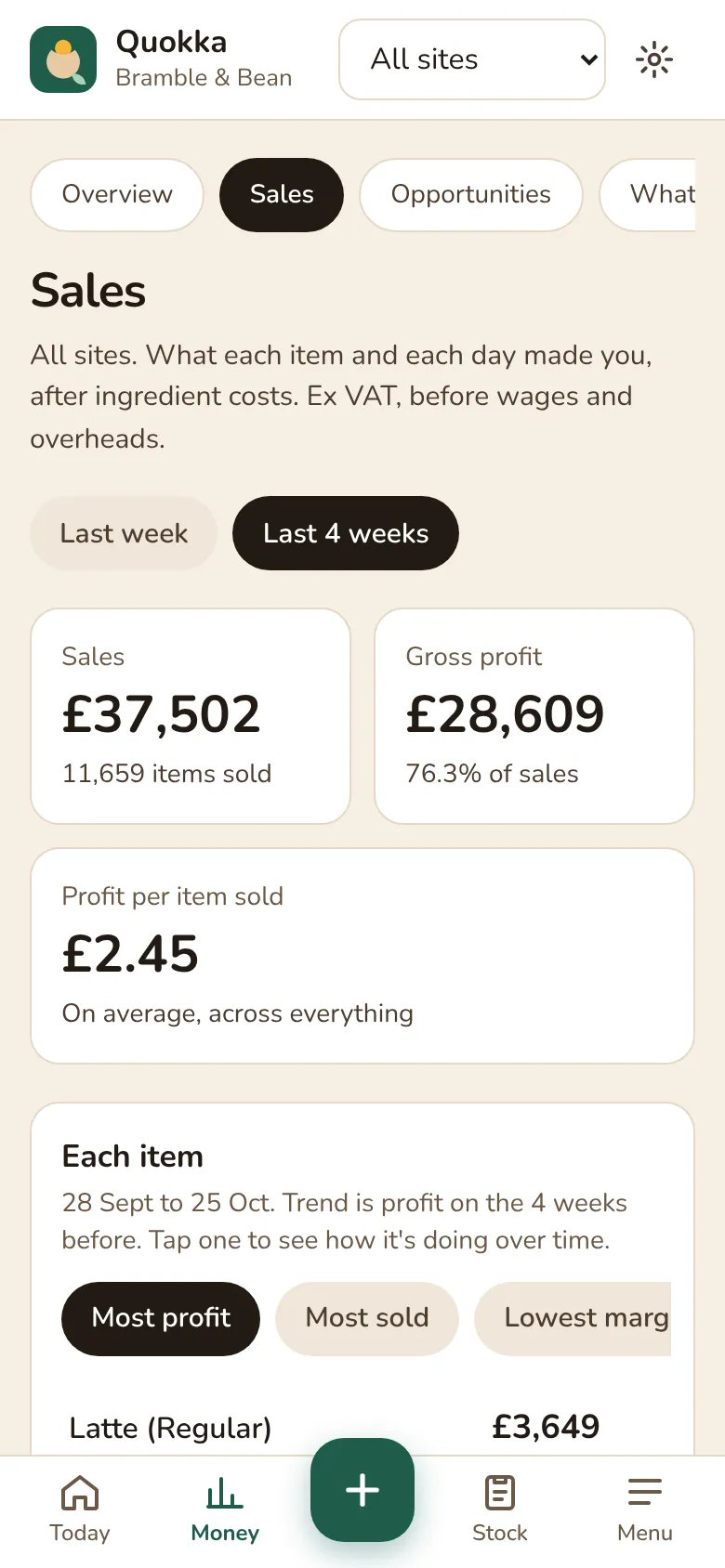
Your till tells you what you sold. Quokka tells you what it made you. The Sales view lists every item with units sold, profit each, margin and whether it's up or down, and every day with its sales and gross profit.
How it works
Sort by what matters
Most profit, most sold or lowest margin. Your best seller isn't always your best earner.
Each item over time
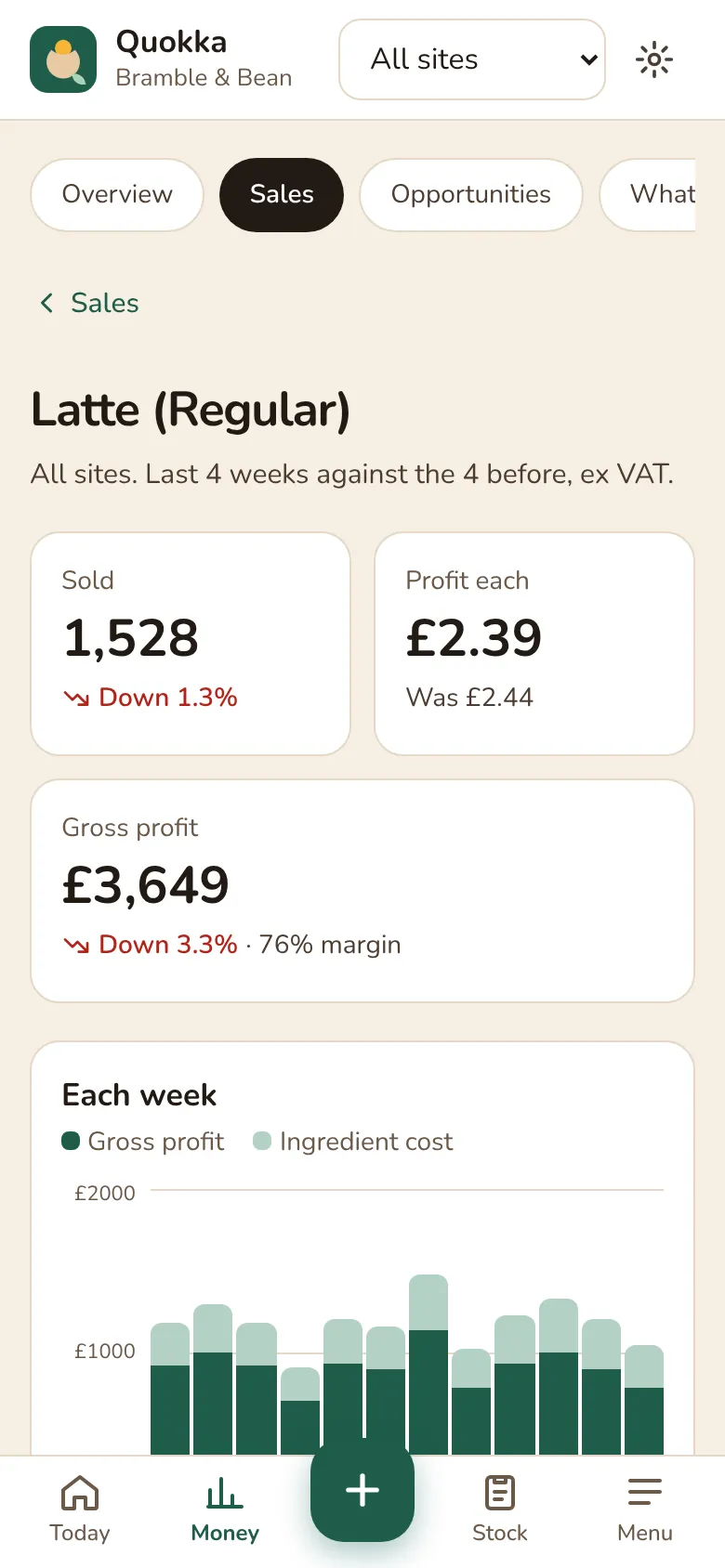
Tap an item to see its last twelve weeks, profit against ingredient cost, and what one makes at today's prices.
Each day, explained
Tap a day to see what sold and its margin against the same day a week earlier. Handy after a quiet Tuesday or a busy bank holiday.
Options counted
Oat milk, extra shots and syrups are costed too, so a latte with oat milk shows its real margin.
Honest numbers
Items without a recipe are flagged instead of looking like pure profit. Everything is ex VAT, before wages and overheads.
One site or all
Look at each cafe on its own or every site together.
Questions
- Is this the same as my till's sales report?
- No. Your till shows takings. Quokka takes off what went into each item, using your recipes and your suppliers' latest prices, so you see gross profit per item and per day.
- Is gross profit shown with or without VAT?
- Without. VAT isn't yours to keep, so sales and profit are ex VAT, as an accountant would work them out.
Working out your margins by hand? Try the free GP calculator or read our guides for cafe owners.
Be one of the first cafes to try it.
30 days free, no card needed. £39 per site per month after that, ex VAT.